🇮🇳 Built for Indian creators. No credit card needed.
Edit videos like a doc — in Hindi, Hinglish, Telugu & 20 more
The AI video editor for course creators, educators, and podcasters in India. Delete a sentence in the transcript, and it’s gone from the video. Get shareable clips, chapters, and clean Indic captions — automatically.
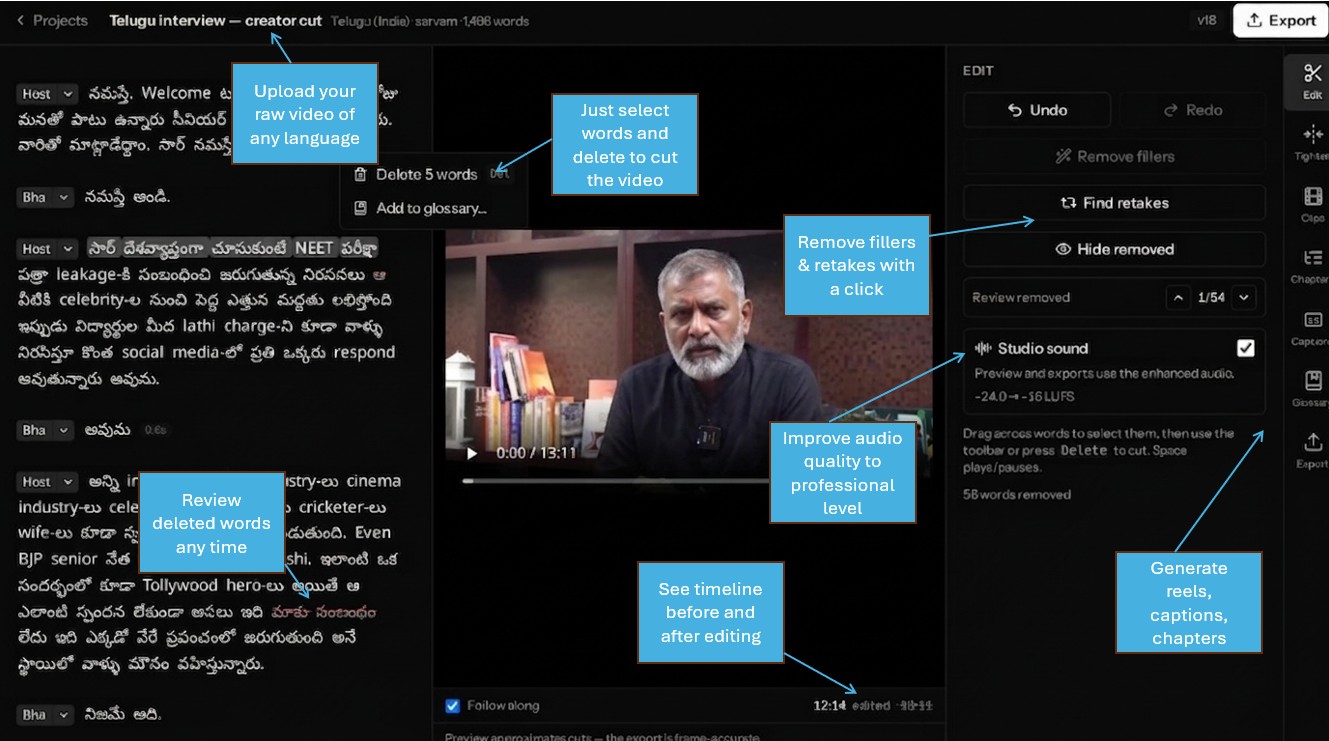
A look inside the editor
How it works
From raw recording to published video in four steps
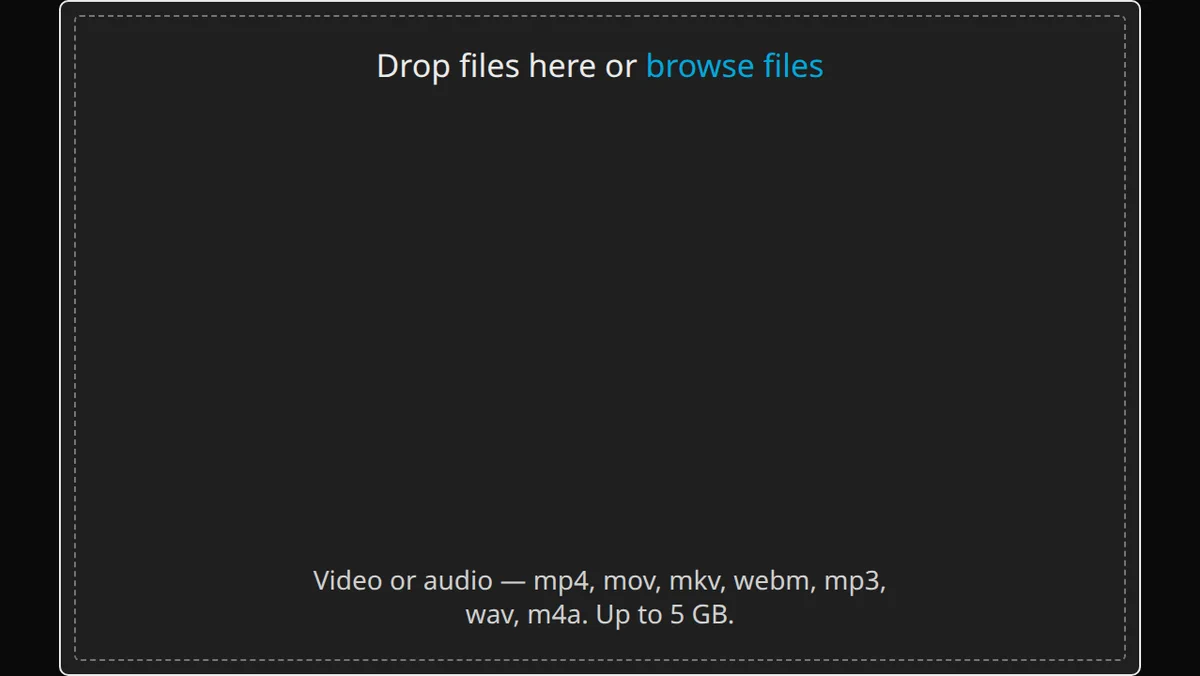
Upload your recording
Drag in your video — it goes straight to storage in resumable chunks, so long lectures survive flaky connections. Transcription starts the moment the upload lands, and we email you when it’s ready.
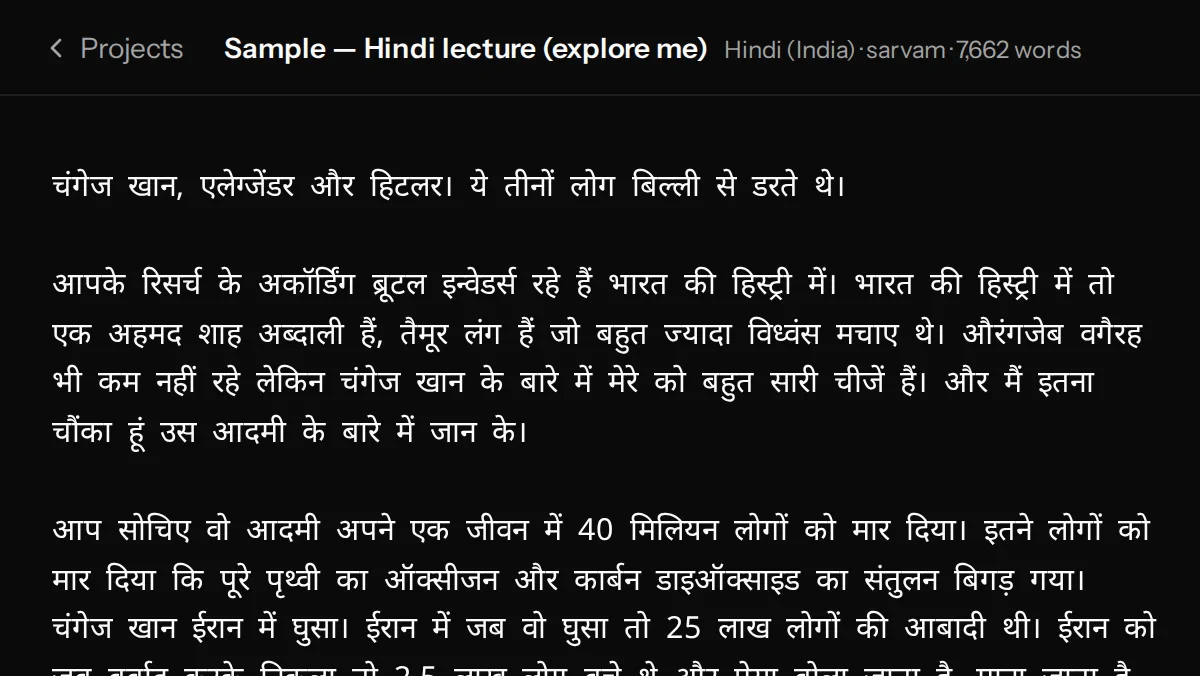
Get an accurate transcript
Hindi, Hinglish, Tamil, Telugu and more — with speakers detected and named automatically. Add your course names and jargon to a glossary so they come out spelled right.
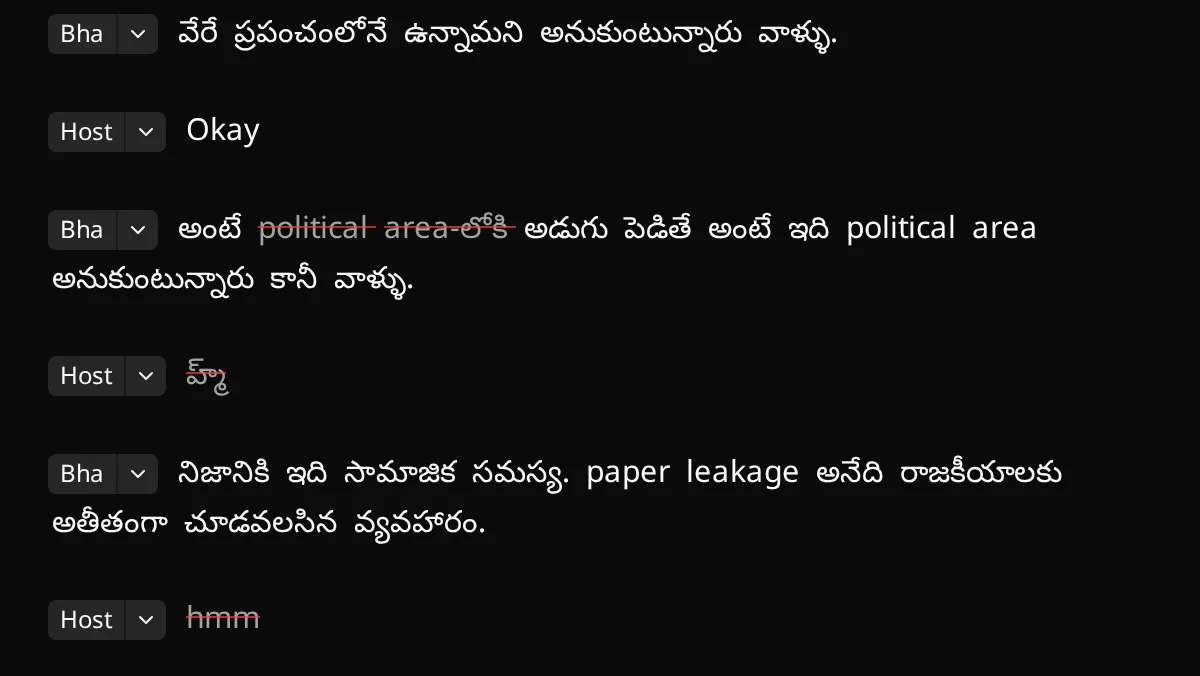
Edit the words, not the timeline
Delete a sentence and it’s cut from the video. Strike filler words, tighten long pauses, and keep the best of repeated takes. Select a few words to layer a photo or B-roll clip over them. Every change is undoable, and your original file is never modified.
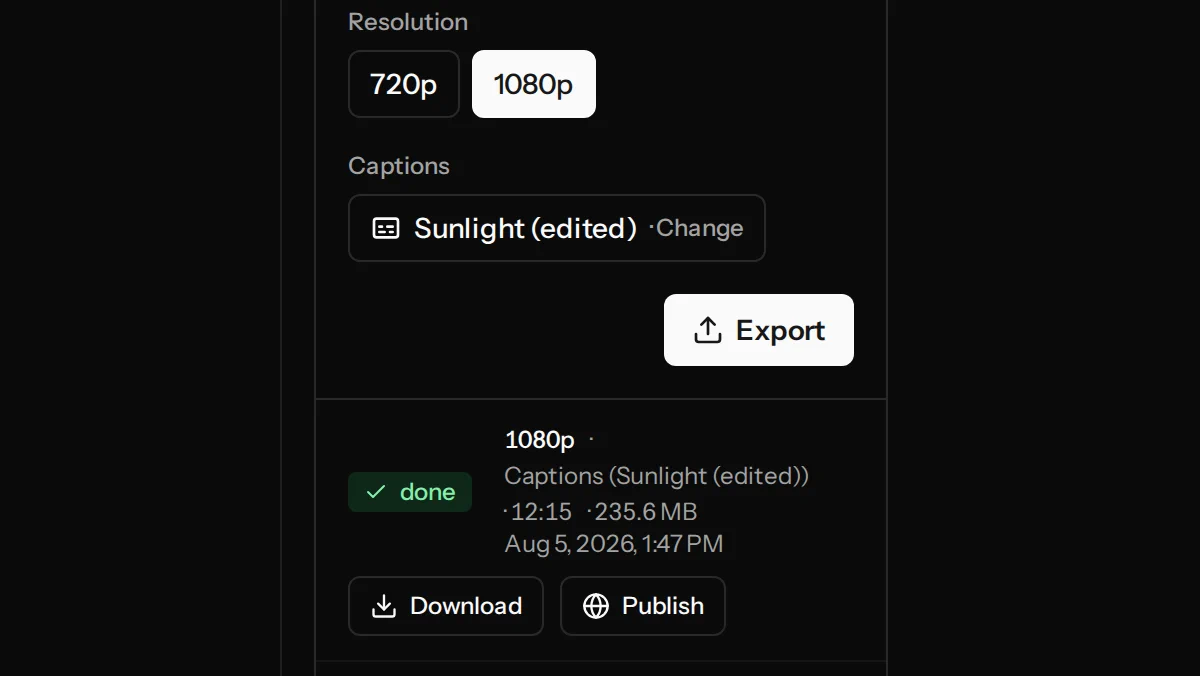
Export and share
Export an MP4 with burned-in captions, vertical 9:16 clips for Shorts and Reels, and YouTube chapters — ready to upload anywhere.
Everything a talking-head creator needs
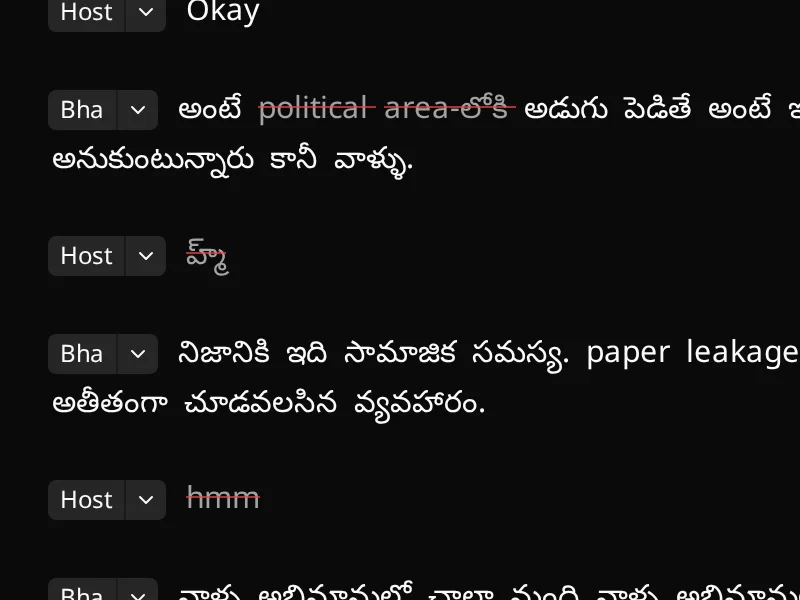
Edit by transcript
Your words become the timeline. Delete a line to cut the video, drag to trim, remove filler and long pauses in one click. No scrubbing, no keyframes.
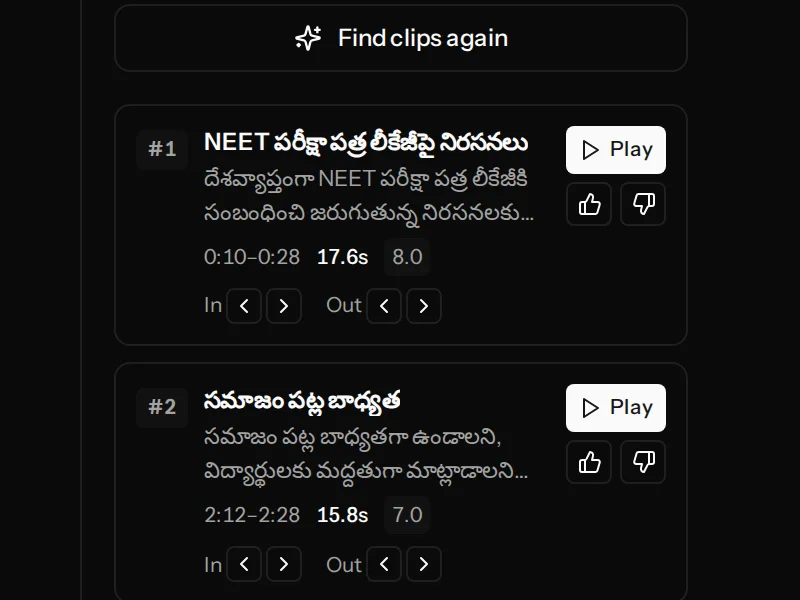
Auto clips & chapters
We find the highlight-worthy moments and turn them into vertical clips, and generate YouTube chapters from your content — ready to post.
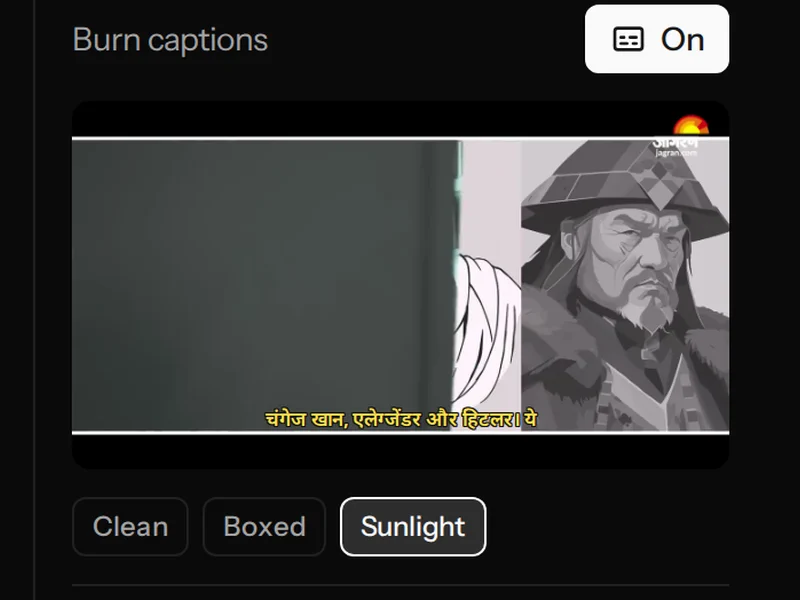
Captions that respect Indic scripts
Burned-in captions with correct conjuncts and matras in Devanagari, Telugu, and Tamil — not the broken, boxy text most tools produce for Indian languages.
Second layer
Put an image or video on top — straight from the transcript
Select the words, attach a photo, slide, screen recording or B-roll clip, and it shows over your video for exactly those words. Fill the frame, or keep it picture-in-picture in any corner. No timeline, no keyframes.
- Images and video clips, full-frame or picture-in-picture — sized and placed where you want them
- A clip brings its own sound: set its volume, let it duck under your voice automatically, or turn your voice down while it plays
- Cut a sentence under the layer and the clip shortens with it. Everything previews live, and it’s included on every plan
And the details that save you hours
Filler & pause cleanup
One click marks every “um”, “uh” and their Hindi counterparts, and tightens long silences. You review the strikes before anything is cut.
Retake finder
Said the same line five times? We spot the repeated takes, so you keep the best one and cut the rest in seconds.
Studio sound
Remove fan hum, traffic and room echo with one toggle — tuned to clean Indic speech without garbling it. On paid plans.
Your own glossary
Teach the transcriber your course names, brand words and technical terms — for your whole account or per project — so they’re spelled right every time.
Speaker detection
Podcasts and interviews are split by speaker, and speakers are named automatically from the conversation. Rename anyone once, it applies everywhere.
Built for how India actually speaks
Transcription tuned for Indian languages and accents — including code-mixed Hinglish — with captions rendered in the correct script, conjuncts and matras intact.
Questions creators ask
Is my content private?
Yes. Your uploads, transcripts and edits are visible only to you — nothing you upload is made public, and nobody else can open your projects. Indic-language transcription runs on speech recognition built specifically for Indian languages. Source files are retained per your plan; your exports stay in your library until you delete them.
Which languages do you support?
Hindi, Hinglish (code-mixed Hindi–English), Telugu, Tamil, Indian English, and 20+ more Indian languages. Hinglish is a first-class case: mixed scripts within a single line are transcribed and captioned correctly.
How long does processing take?
Most videos are ready to edit in roughly the length of the video or faster — a 30-minute lecture is usually transcribed within a few minutes of the upload finishing. You’ll get an email when it’s ready, so you don’t have to wait on the page.
Will editing change my original video file?
No. Your source file is never modified. Every edit is a new saved version of your cut list, so you can undo and redo freely — the video itself is only rendered when you export, and you can re-export a different cut any time.
What exactly do I get when I export?
An MP4 of your edited video — up to 1080p on paid plans — with optional burned-in captions in your chosen style, any images or B-roll clips you layered on (their sound mixed under your voice), vertical 9:16 versions of your clips, and copy-paste YouTube chapters. Finished exports stay in your library even after source-file retention ends, so you can download them again without re-rendering.
What’s included in the free tier?
30 minutes of transcription every month on videos up to 30 minutes each, exports up to 720p with a small watermark, and 7-day media retention (your exports are kept). No credit card to start. Upgrade any time for more hours, 1080p, and no watermark.
Edit your first video free
Sign up, upload, and see your transcript in minutes. 30 free minutes every month.
Get started free