Why AI Transcription Struggles with Indian Languages
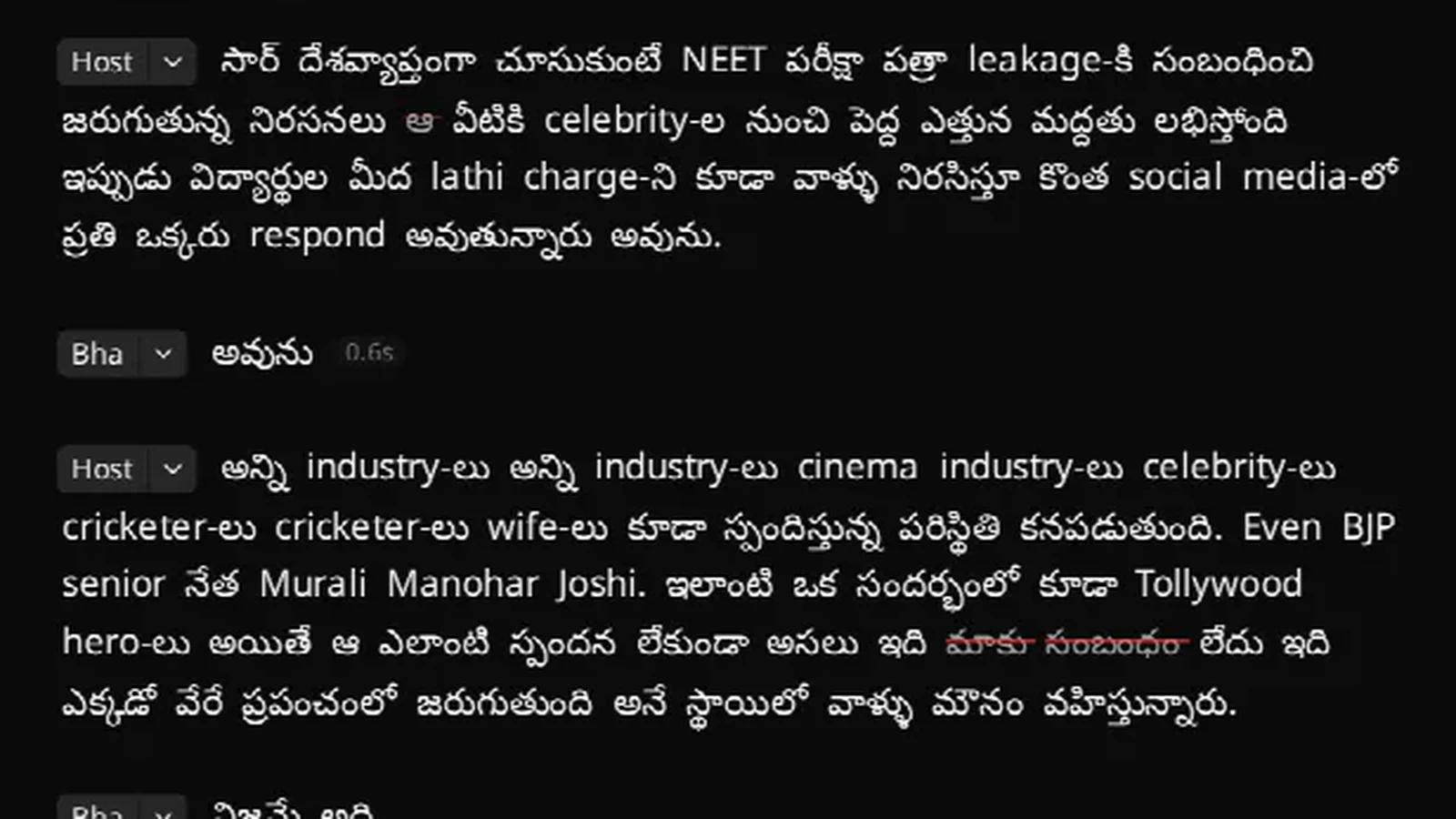
Most transcription tools do not fail on Indian languages by producing gibberish. They fail in ways that look like success. A clean paragraph of fluent English where the speaker was talking Hindi. A Telugu sentence with three English words in Latin script. A timestamp that is right at the start of the file and two seconds out by the end.
These are specific, diagnosable failures, and knowing which one you are looking at tells you whether it is fixable. Here are the five that matter, and what actually helps with each.
The short version
- Wrong language identified → you get a translation, not a transcript. The worst failure, because it reads perfectly.
- Mixed scripts → borrowed English words in Latin letters, numbers as digits. Usually correct, often surprising.
- Drifting timestamps → fine for reading, useless for editing or captions.
- Names, schemes and jargon → the one thing you can fix in advance.
- Speakers over each other → conversational overlap is harder than accents.
1. The transcript that is secretly a translation
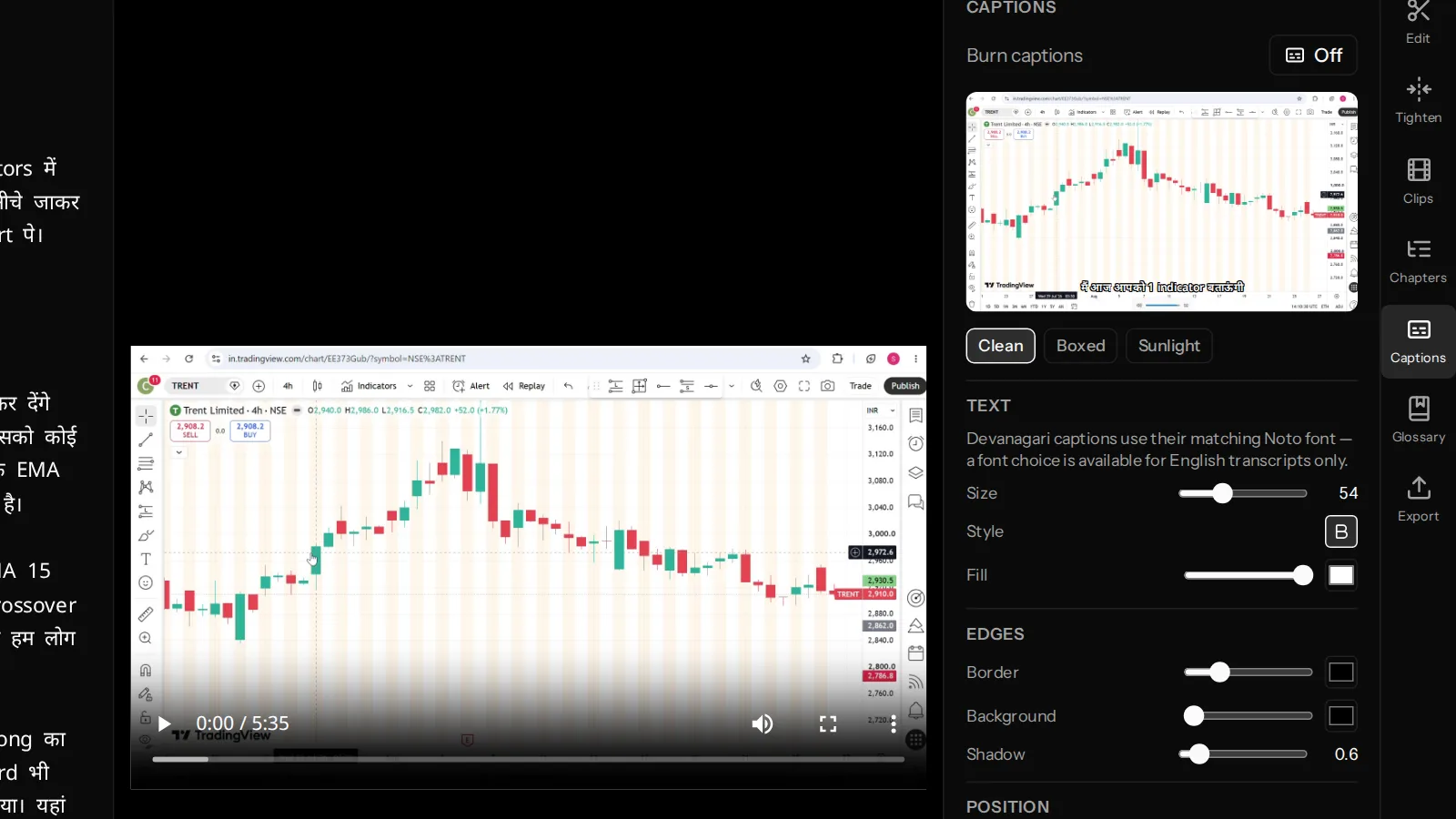
Take a sentence like "मैं आज आपको 1 indicator बताऊंगी जो बहुत useful है". Ask a general-purpose language detector what language it is and there is a good chance it answers "English" — it can see indicator and useful, and it is counting.
That answer is not a small error. Routed to an English speech model, Hindi speech does not come back as a poor Hindi transcript. It comes back as a fluent, confident English translation. The words the speaker actually said are gone, and with them any ability to edit the video by editing text, caption it faithfully, or quote it.
It reads as a success, which is what makes it dangerous. The check takes ten seconds: does the transcript contain the actual words, in the actual script, or does it contain a tidy English rendering of what they meant?
What helps: a detector explicitly instructed to resolve code-mixed speech to its underlying Indian language. Hinglish should resolve to Hindi and route to an Indic model, not to English. In VidCarve this is a separate, deliberately cheap first pass over the opening minute of audio whose only job is to answer that one routing question — and getting it right required telling the model, in as many words, that Hinglish is Hindi.
2. Two scripts in one sentence
This is the one that generates the most support questions and is most often not a bug.
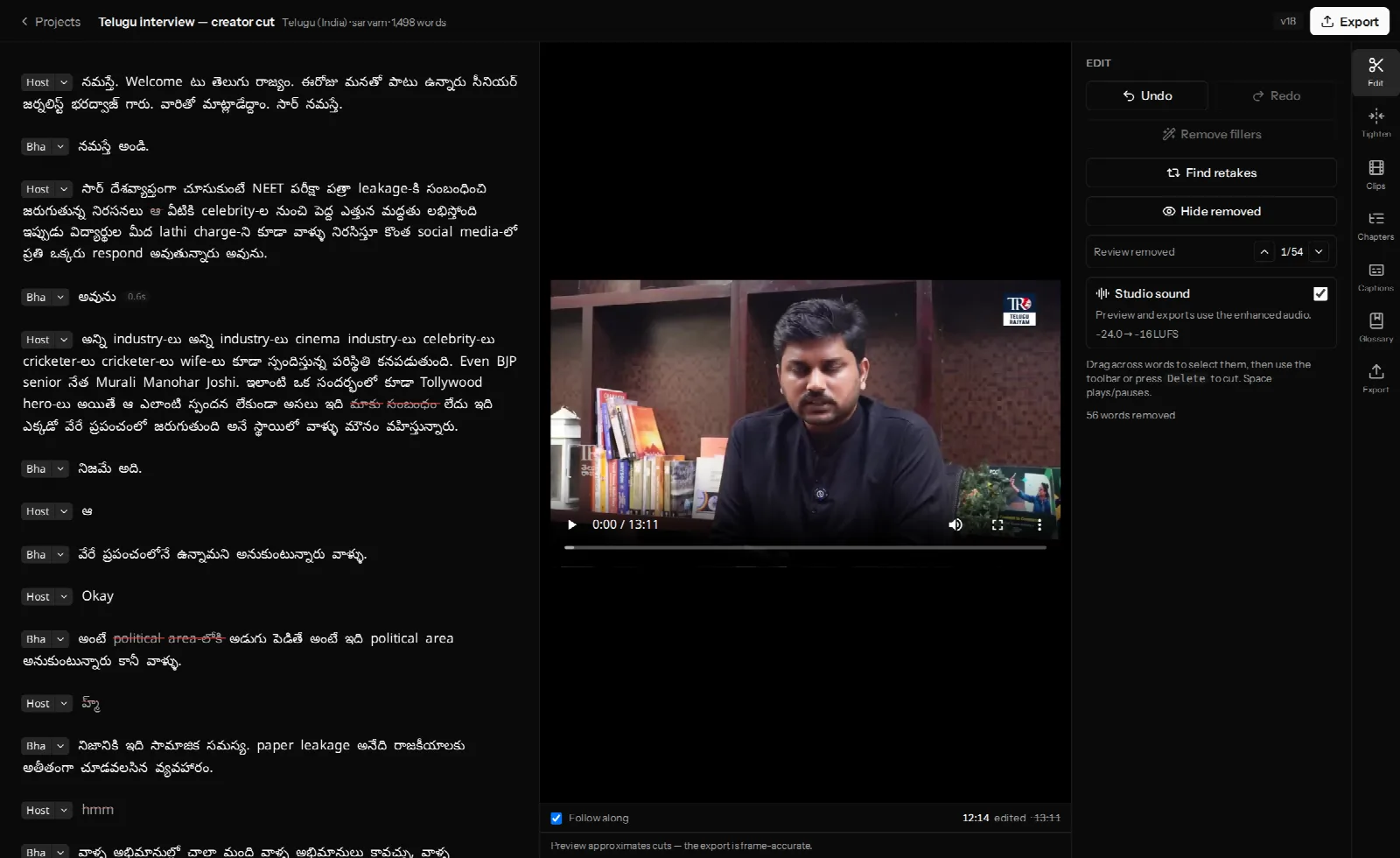
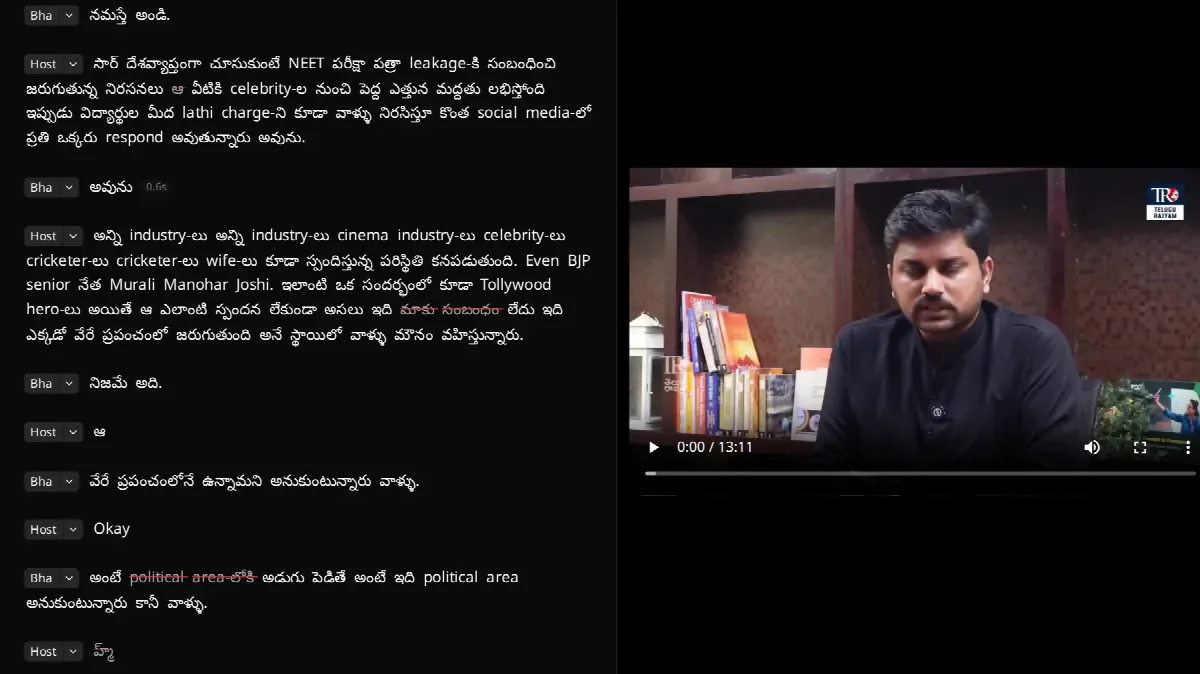
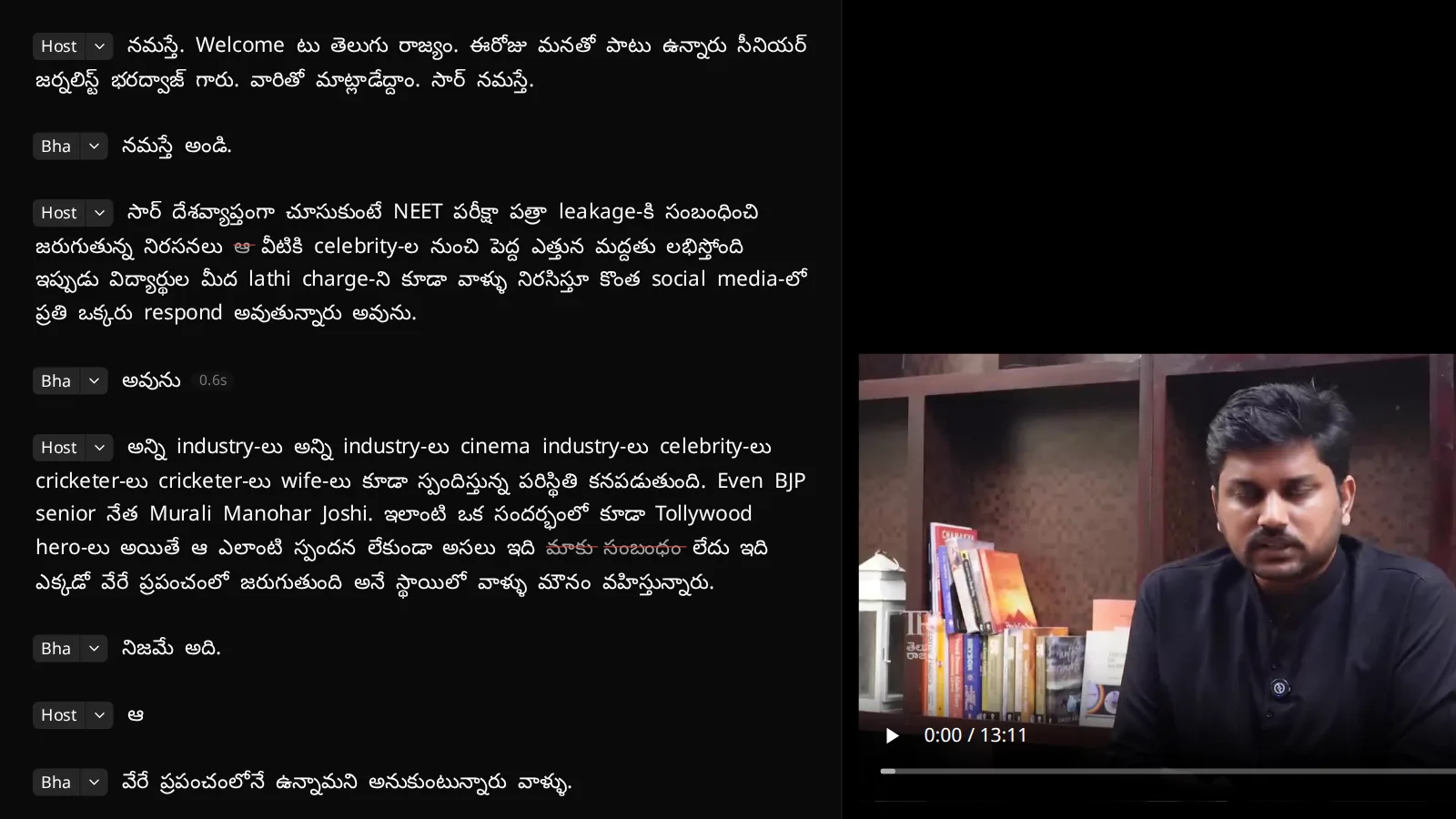
Educated Indian speech is code-mixed at a rate that surprises people who have not measured it. On one real Telugu interview, 17.9% of transcribed words were Latin-script — not because the model was confused, but because the speaker said them in English, often with an Indian-language suffix attached.
Writing those words in Latin script is the faithful record. Forcing everything into one script would mean either transliterating English words into Telugu characters or translating Telugu words into English, and both destroy something.
Where it does cause trouble: anything downstream that needs the text and the audio to agree character by character. Numbers are the sharpest case — a speaker says ఐదుగురు and the transcript writes 5-గురు. It is the same information and it is not the same string, which matters for alignment, for search, and for reading a caption at speed.
What helps: expect it, and read the transcript rather than skim it. If a specific word is consistently written in the script you do not want, the glossary can fix the spelling on the way in.
3. Timestamps that drift
Transcript editing lives or dies on word-level timing. If the word यहाँ is at 4:12.31, deleting it has to cut exactly that span of video — a 200-millisecond error is an audible clipped consonant at every join.
This is where general-purpose multimodal models are currently weakest, and it is invisible if you only read the text. In our own testing of one large general audio model on Indic content, the transcribed words were competitive while the timestamps drifted by roughly 15% over a long file: accurate at the start, progressively early or late by the end. Perfectly good for a summary. Unusable for cutting video, and unusable for captions, which are the same problem with a visible failure mode.
What helps: use a model built for speech recognition rather than a general model asked to do it, and check timings at the end of a long file rather than the start. Click a word near the end of the transcript and see whether the video jumps to the right moment.
4. Names, schemes and jargon
Every field has words no general model has heard often enough: a founder, a scheme, a ticker, a temple, an ingredient, a village. Indian proper nouns compound the problem by having several accepted romanisations.
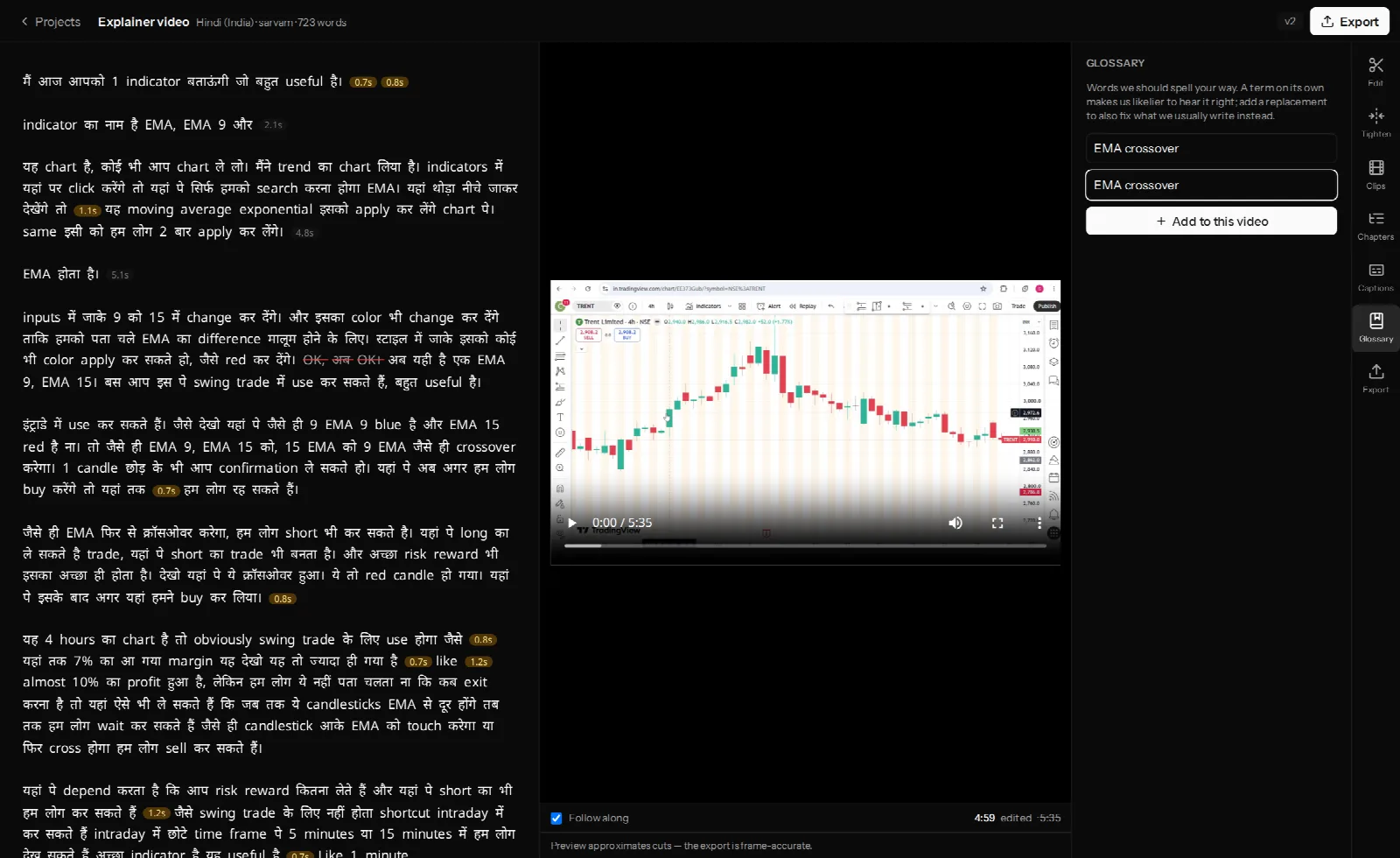
This is the one failure on the list you can prevent rather than repair, and the only reason people do not is timing: glossary terms are read when transcription starts. Adding a term to an already-transcribed video changes nothing until you re-transcribe.
What helps: add the obvious names before you upload — the guest, the company, the two bits of jargon your channel is about. Keep the recurring ones at account level so every project inherits them. Treat re-transcribing as the fix for the terms you only discover by reading.
5. Speakers talking over each other
Accent is not the hard part of Indian-language diarisation. Overlap is.
Agreement noises — हाँ हाँ, అవును, haan — land on top of the other person's sentence rather than after it, and that conversational style is normal, not rude. A diariser trained on turn-taking interviews splits paragraphs at the wrong places or attributes a short interjection to whoever was already talking.
What helps: ask each speaker to say their own name in the first minute, which helps both the automatic naming and you. And expect to reassign a few paragraphs by hand — in VidCarve the caret on any speaker badge moves a paragraph to another speaker or merges two labels for the same person, and a name you have typed is never overwritten by a later guess.
Why this is not simply a matter of more data
India has 22 scheduled languages across several unrelated families and a dozen scripts, and the largest speech datasets are still overwhelmingly English. But the failures above are not all data-hunger:
- Language identification failing on code-mixing is a framing problem — the question "which language is this" has no single answer for a Hinglish sentence, so the system has to be told which answer is useful.
- Mixed-script output is a correctness outcome that downstream tools then have to handle rather than resent.
- Timestamp drift is an architecture problem: a model optimised to produce good text is not thereby optimised to produce good times.
Which is why "we support 100+ languages" on a pricing page tells you almost nothing. The questions that separate tools are narrower: does it transcribe Hinglish as Hindi or translate it to English; are word timings accurate at the end of a 90-minute file; can you correct a speaker label once and have it stay corrected.
Frequently asked questions
How do I tell whether a transcript is a translation?
Look for the actual words in the actual script. A Hindi video whose transcript is entirely in fluent English sentences was translated, not transcribed, no matter how good it reads.
Why does my Hindi transcript contain English words in Latin letters?
Because they were said in English. Code-mixed speech is written as spoken, which keeps the words editable and the captions faithful.
Can I get everything transliterated into one script?
VidCarve does not force one script, deliberately — the transcript is the record of what was said. For a specific recurring word, the glossary's "write it as" field sets the spelling you want.
Which Indian languages does VidCarve transcribe?
The scheduled Indian languages — including Hindi, Bengali, Telugu, Marathi, Tamil, Gujarati, Kannada, Malayalam, Punjabi, Odia, Assamese and Urdu — plus English, with Indian-accented English routed to an English model rather than an Indic one.
Does Descript handle Hindi?
Not on the terms this article is about. See the best Descript alternatives for Indian creators for the language-by-language comparison.
Next steps
- How to get accurate Hindi, Hinglish and regional-language transcripts — the settings that prevent most of the above.
- Where AI actually helps a video editor
- Burned-in captions in Hindi and other Indian languages